

Observations
Review findings
Read observation findings and inspect the activity supporting their assessments.
Observations are findings from Meta Agent’s background review of project activity. Open Observations in the application sidebar: the Observations tab contains findings, while Signals contains the criteria used to assess behavior.
Read a finding
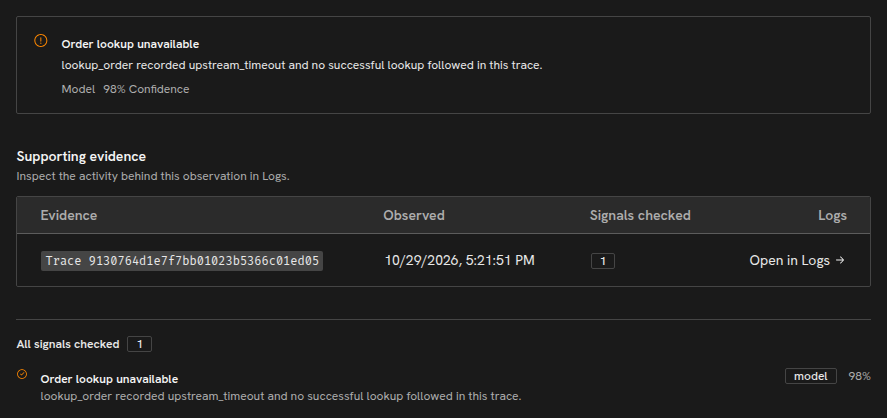
Section titled “Read a finding”Open a finding to read its explanation and any Signal verdicts. Use Open in Logs in the Supporting evidence section to inspect the run, trace or group it reviewed. Each verdict states whether a Signal’s criterion matched the reviewed activity, with confidence and rationale when available. Follow the linked records to examine the model requests, tool calls and context supporting that assessment.
To change what reviews assess, create or revise a Signal. Project owners and admins can configure the review scope and request a review.
For simulation activity, run results also contain participant execution and artifacts.
Copyright © 2026, Radiant AI Limited.